Six Blurry Seed Labels and a Free Way to Turn Photos Into Video Without Signing Up
Table of Contents
Six paper cups sit on the windowsill and every one has sprouted. The first time you watered them, a little spilled down the paper tags. Now there’s a blue smudge where one of the names should be. You remember putting the basil at the left end, but you’ve moved the cups twice to wipe the sill. Which one was it?
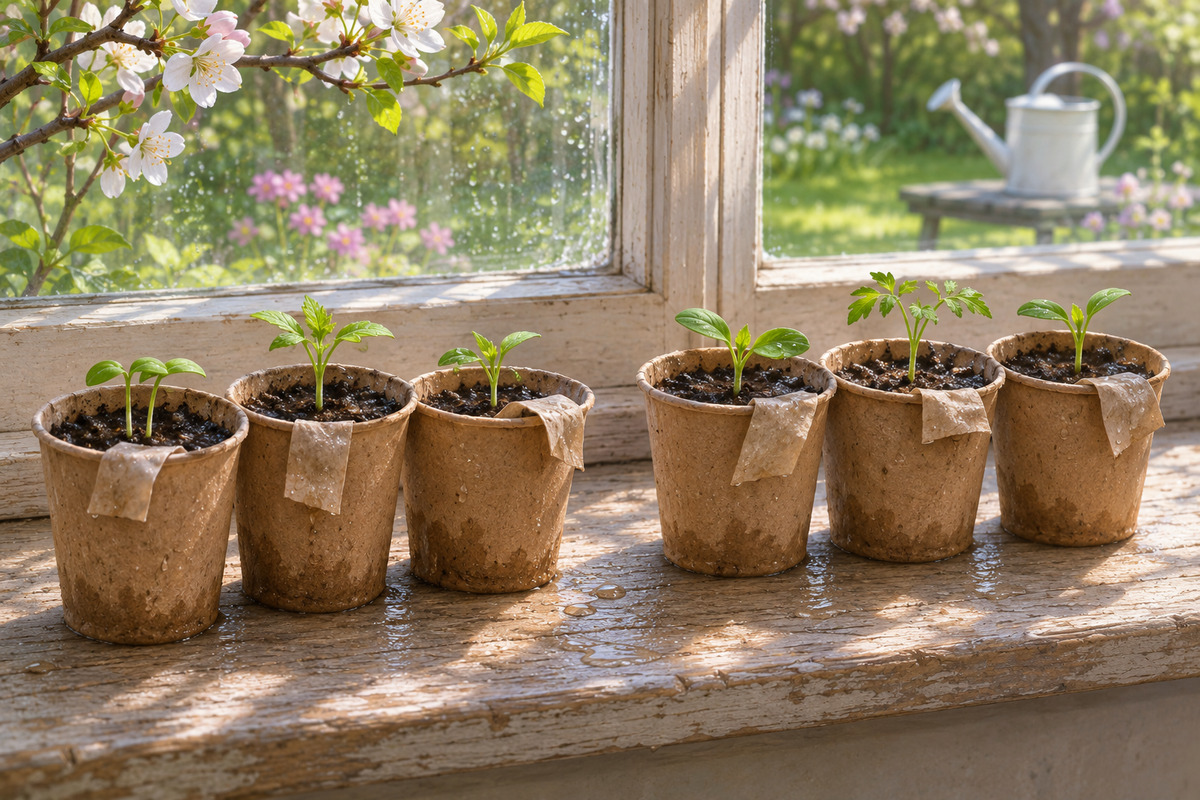
A row of cups can look easy to remember on sowing day. This AI illustration shows what happens when the paper labels get wet.
Give each cup a number that moves with it
On sowing day, write a number on the dry outside of each cup, above the spot where water collects. Number the cups 1 through 6, even when several hold the same kind of seed. Open a single note on your phone and write down the cup number, what you sowed, and the date. If you move a seedling to a new container, put its number on the new one before you clear the old row.
Here’s how one entry might look after a second visit to the windowsill.
Cup 3 · Basil · Sown 12 April · First sprout spotted 19 April
Write the day you first noticed the sprout, especially if you missed a couple of days. If a label is already unreadable and you have no record, leave that cup’s name as “unknown” until you can identify it.
Put the cup number in both photos
Take a wide photo of the row on sowing day so you can recognise the setup later. For a closer record of one cup, take a picture of it with the number and soil in frame. Put the phone on the same stack of books when you come back, and turn the cup so the number faces the same way. Add the dates and the cup number when you save the pictures. Two stills and one line in the note are enough to pick up where you left off.
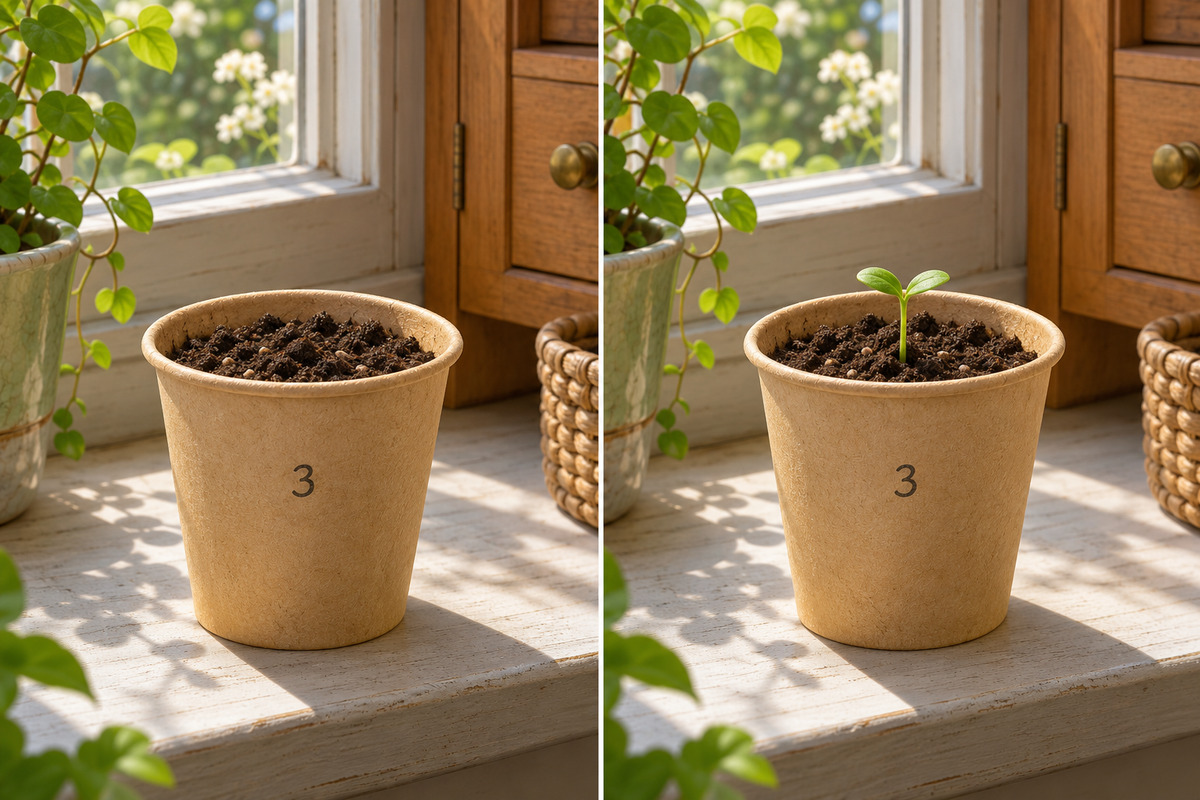
The number stays in view in both frames. This AI illustration shows the setup for a photo pair.
Make an optional five-second entry for the photo journal
If you’d like a moving version for a blog post, put the soil-only photo first and the sprout photo last in Open Creati’s free image-to-video generator. The free tool runs MiniMax H3 and makes five-second clips at 480p. You can use it without an account and complete verification when you send the request.
Keep the camera fixed on cup 3. Keep the number in place. Gradually reveal the small seedling shown in the second photo.
If the generated clip changes the number or swaps the cup, use the stills. Caption a finished clip as an AI transition between two dated photos. The dates and the original photos tell you what you actually saw on each visit.
To compare a second rendering, you can reuse the same photo pair and prompt in the Flaq AI free video generator or the AI VideoWeb free video generator. Keeping the inputs the same makes it easier to spot which version preserves the number on the cup.